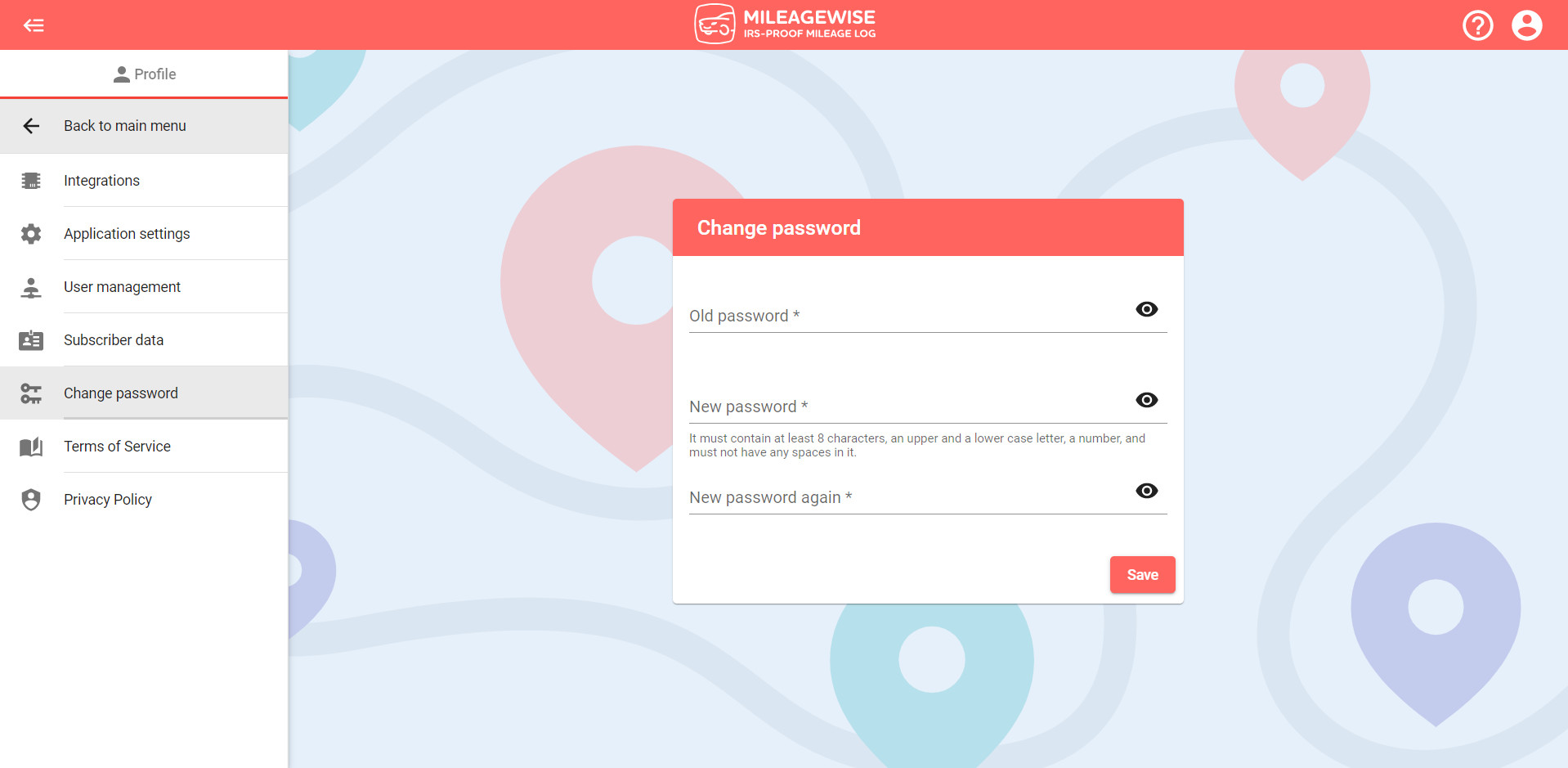
After creating your user account, you can change your login password anytime.
Click 'Profile and other info' at the top right:
Within the Profile and other info, click on the Profile button to change your password.
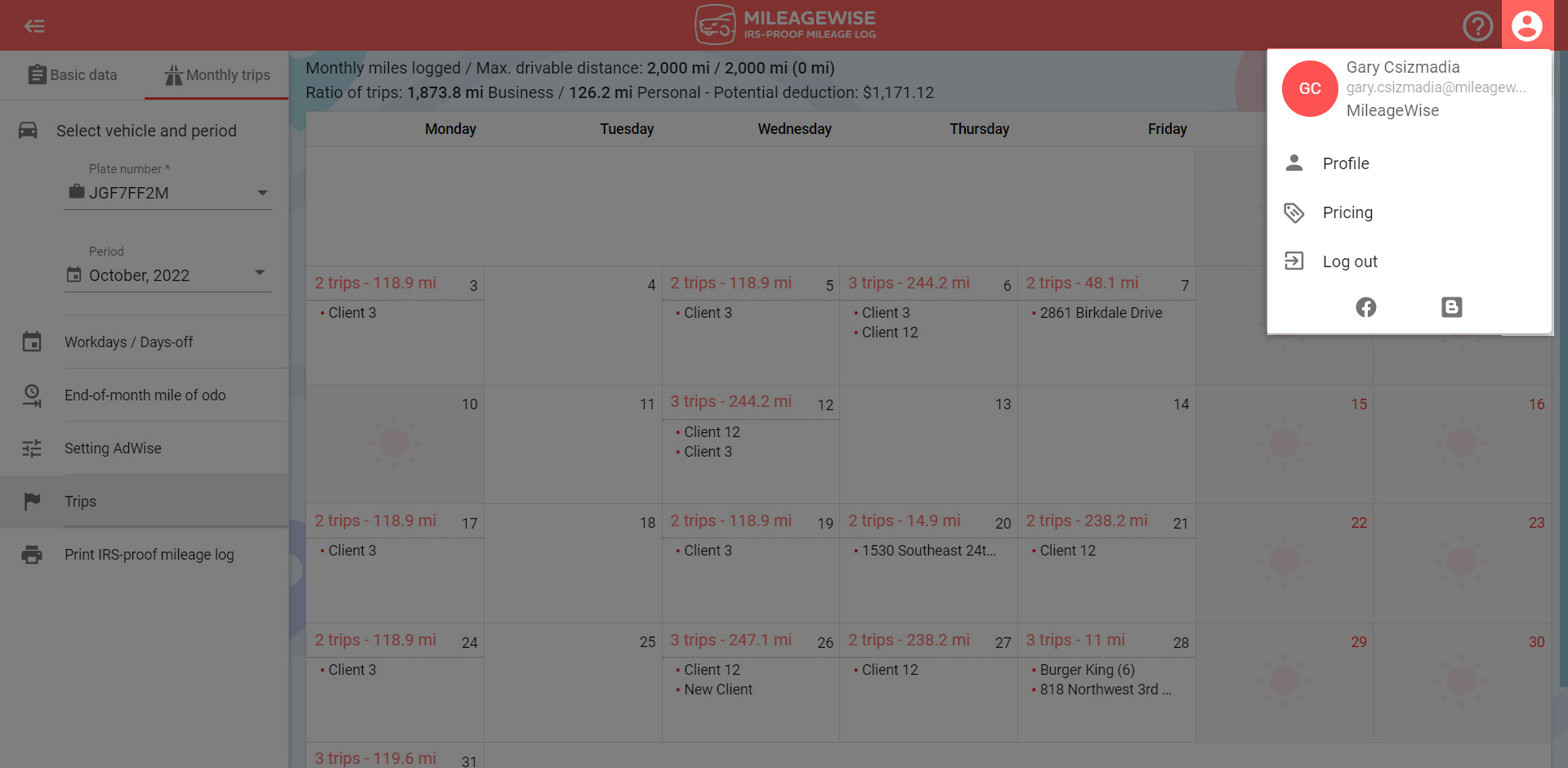
-
Enter a new password
Enter your old password, then enter the new password twice and click Save.
Important: For your security, your password must contain at least 8 characters, including uppercase and lowercase letters, and numbers (with no spaces)!