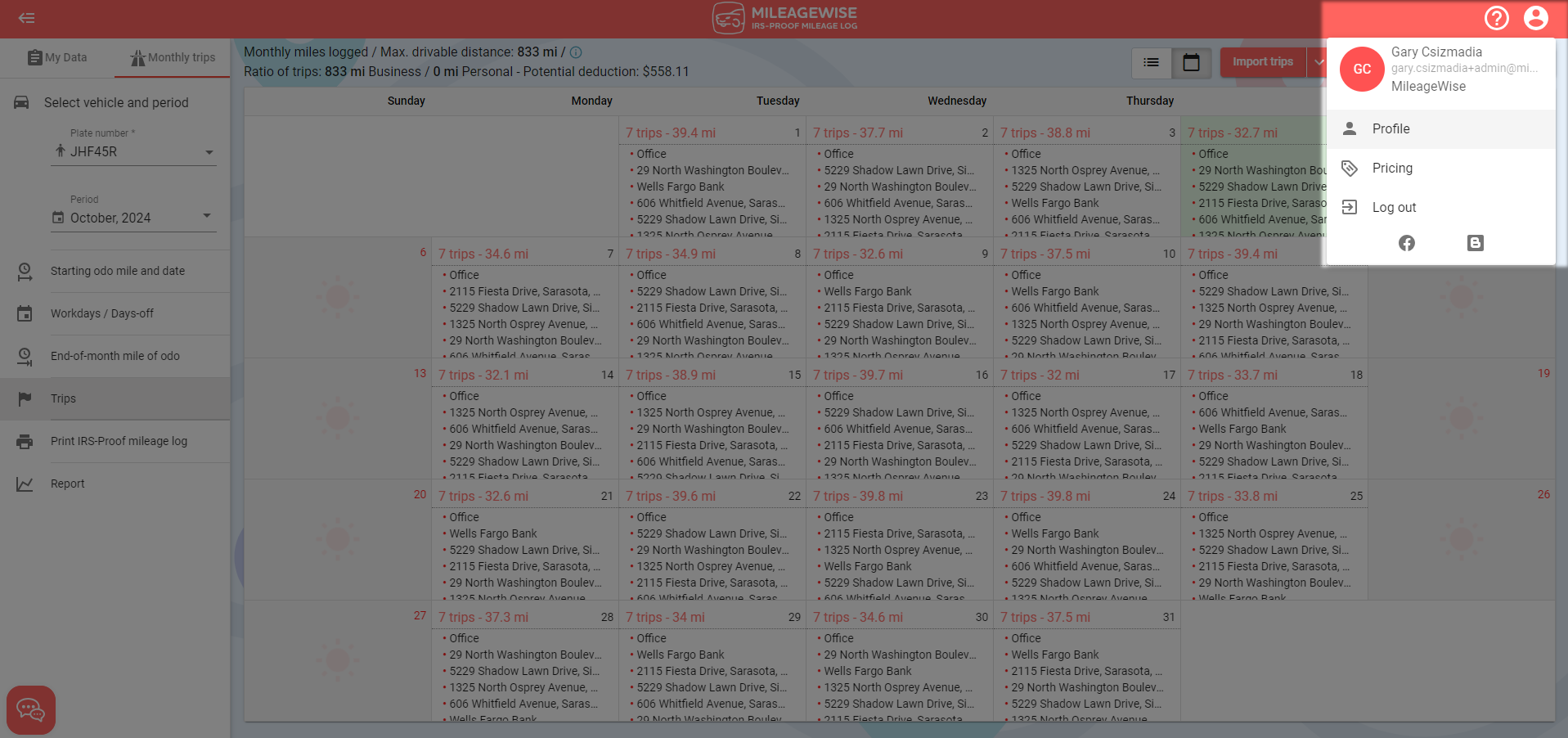
Click on the profile icon in the top-right corner of the screen and then select Profile.
Here you can check your subscription details by clicking on 'Subscriber data'.
Click on the profile icon in the top-right corner of the screen and then select Profile.
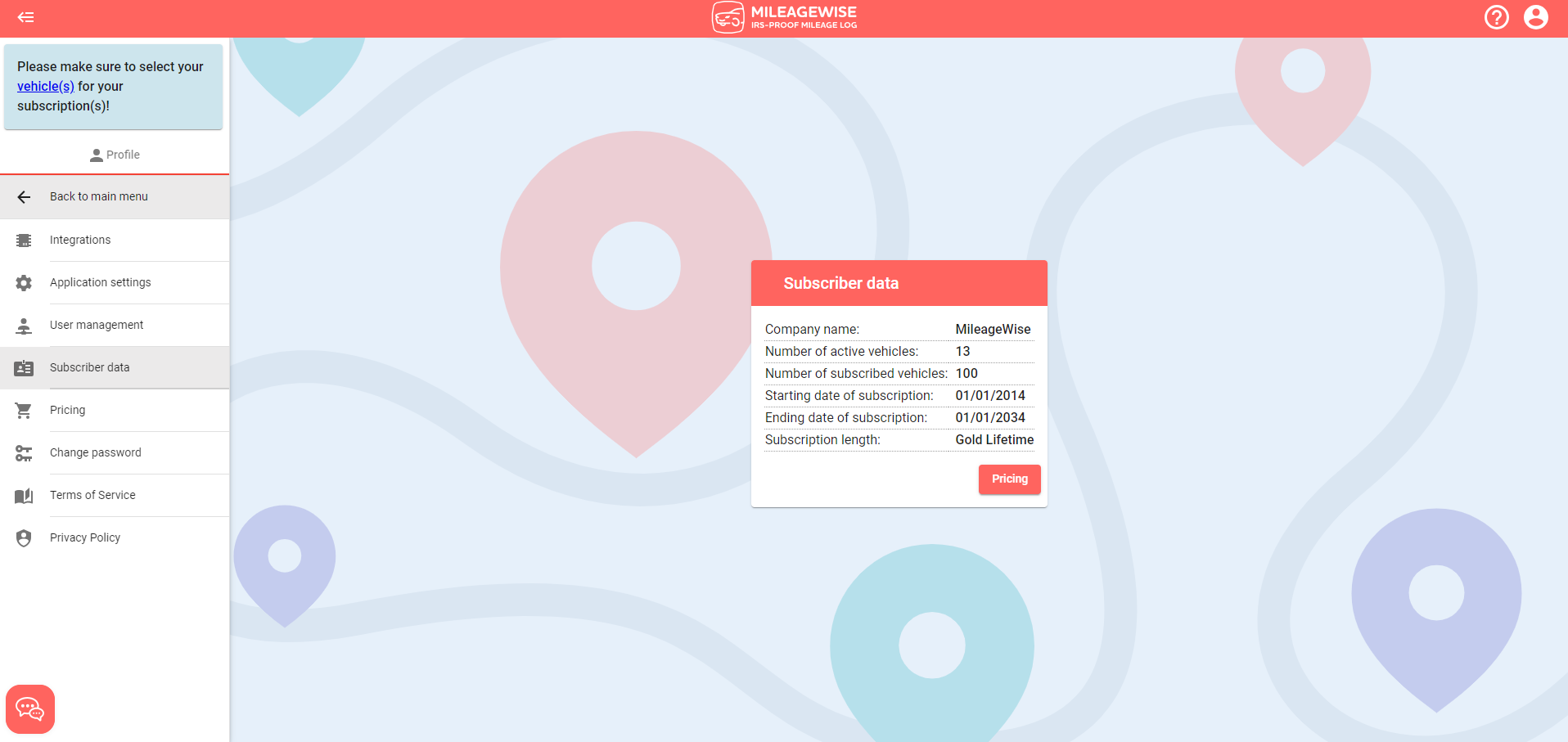
Here you can check your subscription details by clicking on 'Subscriber data'.
