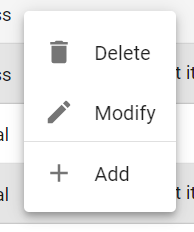
Simply double-click on the row you want to modify or right-click in the drop-down menu and select Modify.
Or select it by ticking the box before the name and selecting Modify from the menu at the top (except for system-level travel purposes)!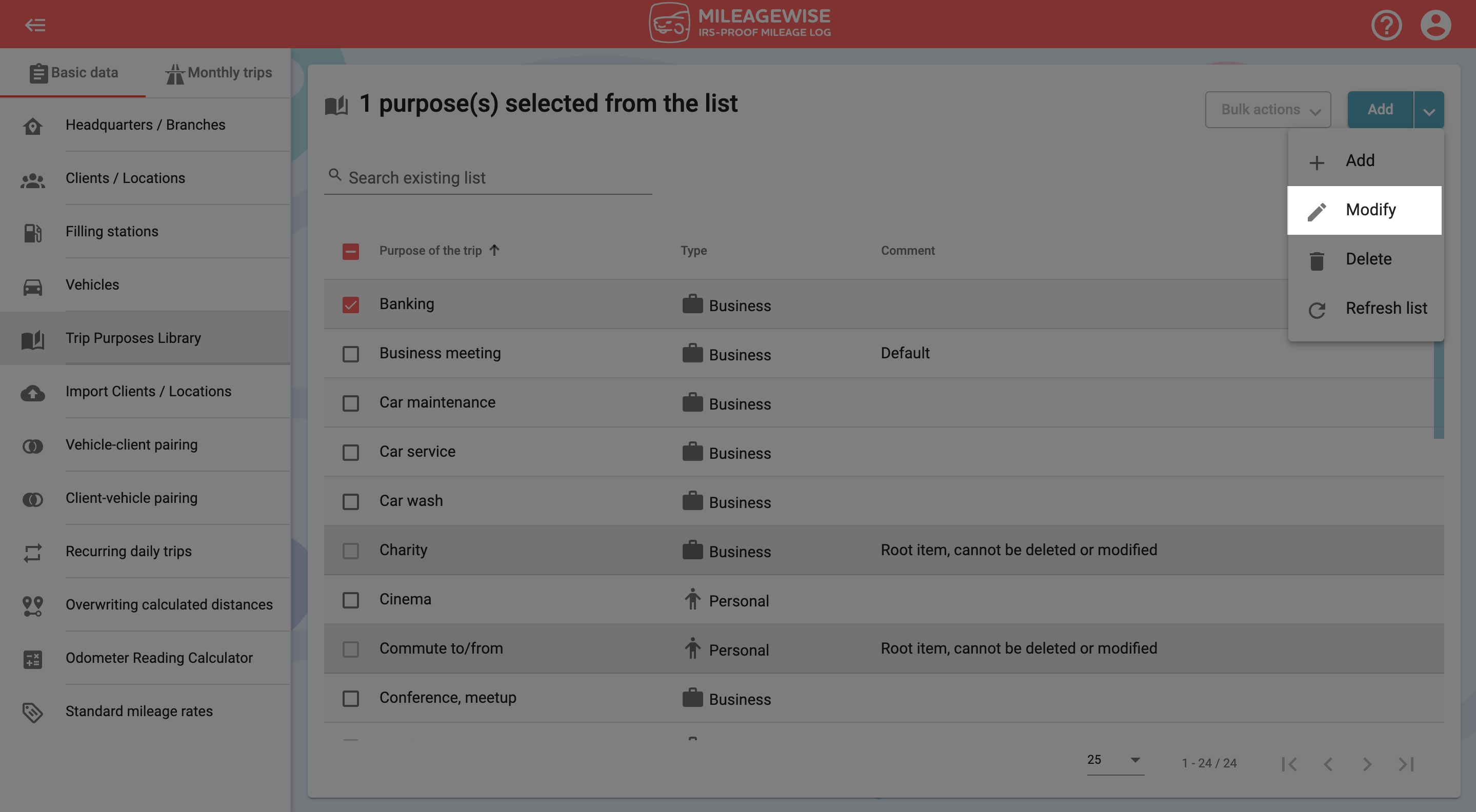
Make the changes you want, then click Modify.
(By clicking the Modify and new button, you can add a new trip purpose while saving your changes.)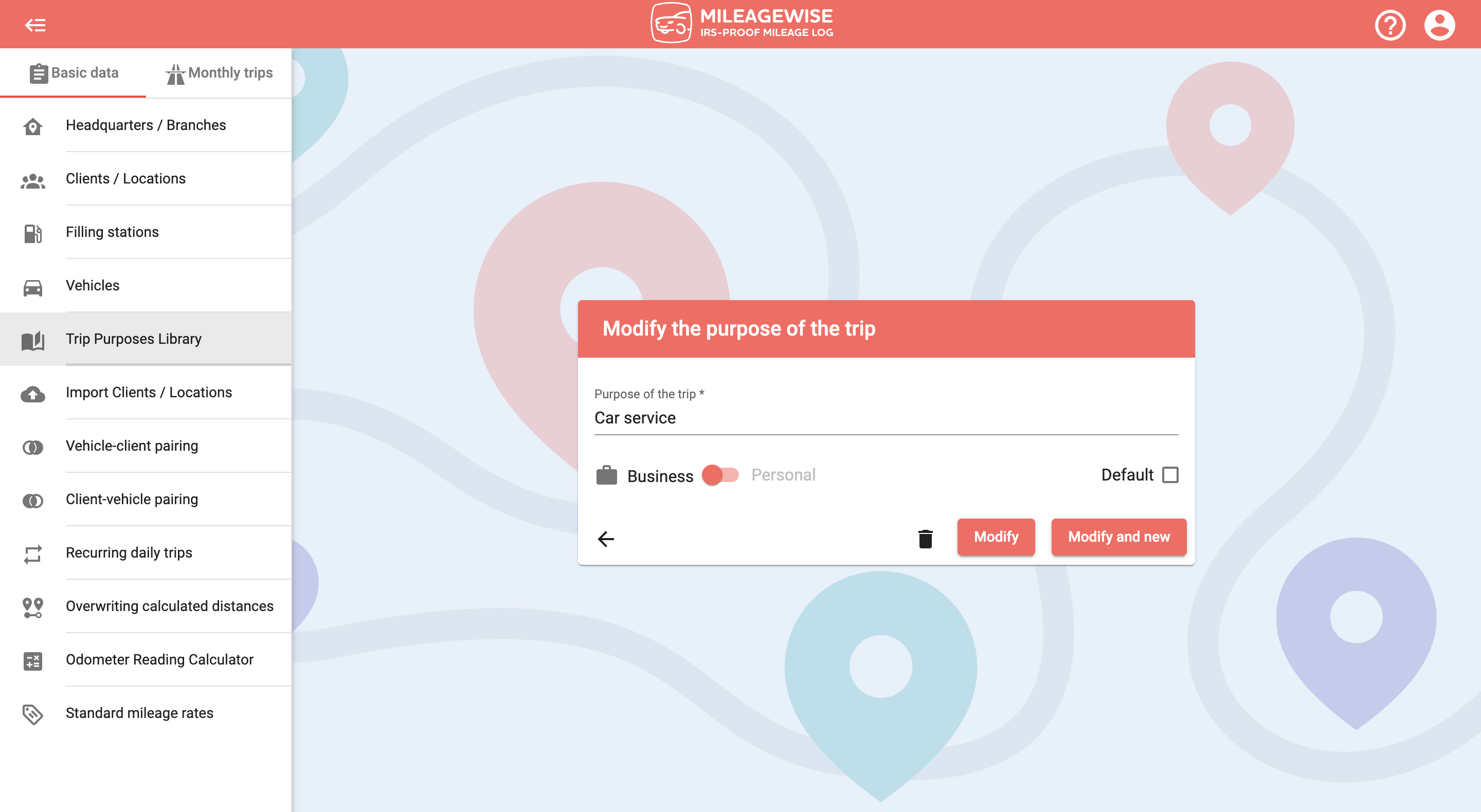
You can also delete the entered trip purpose.
