What Is the Standby Timer?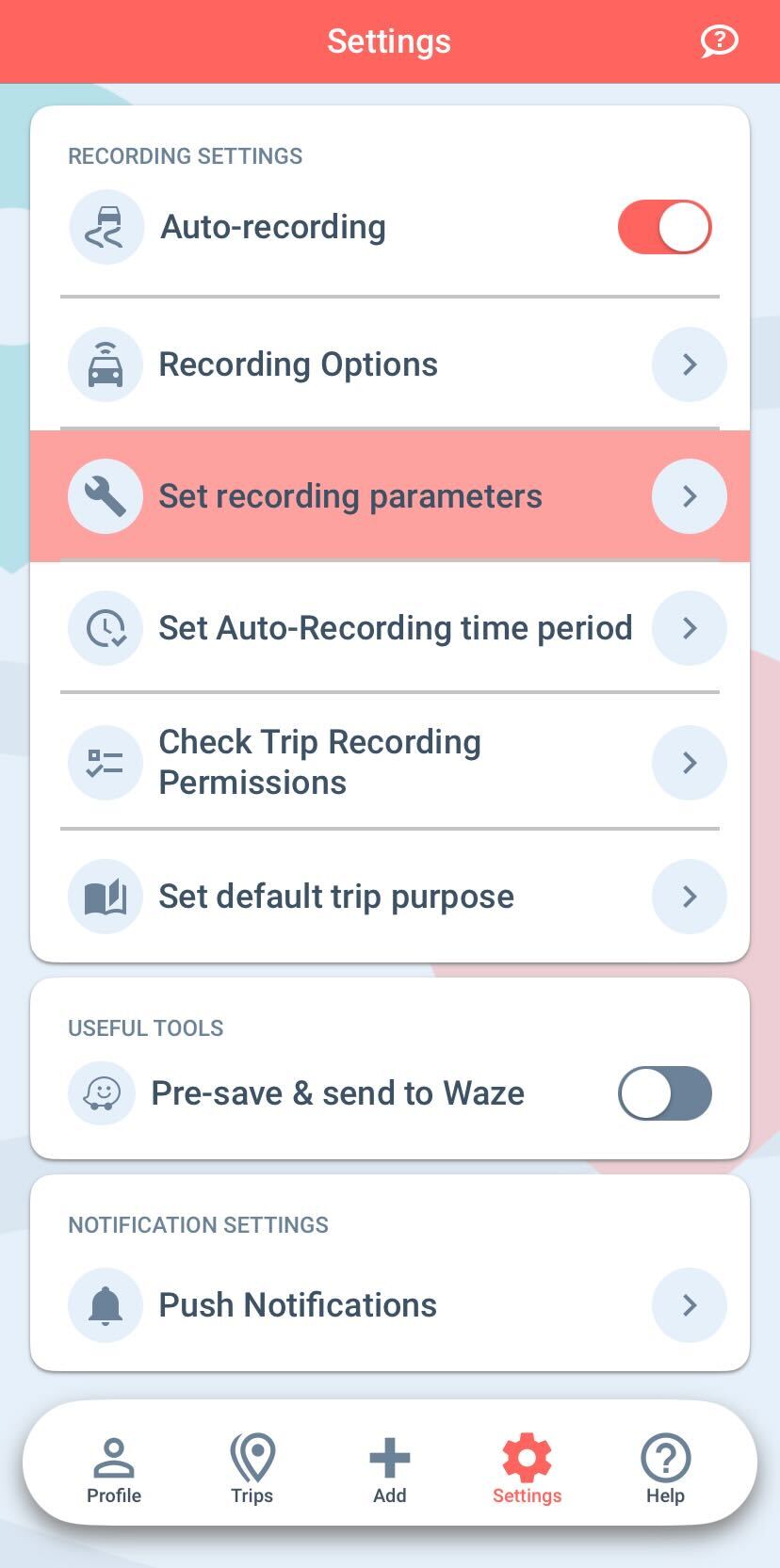
The Standby Timer helps determine when MileageWise should finish recording a trip when your phone stops detecting movement.
When the app detects that your phone is no longer moving, a countdown begins. If the phone remains stationary until the countdown expires, MileageWise ends the recording process and closes the trip.
The Standby Timer is available when using the Vehicle Movement Monitoring recording option.
How Does the Standby Timer Work?
The Standby Timer uses your phone’s movement detection to help determine when a trip has ended.
- Movement stops: Your phone detects that it is no longer moving.
- The countdown begins: The Standby Timer starts counting down from the duration you have configured.
- The trip is closed: If the countdown expires without movement being detected again, MileageWise finishes recording and closes the trip.
If movement is detected again before the countdown expires, the recording process may continue rather than closing the trip.
How Should I Set the Standby Timer?
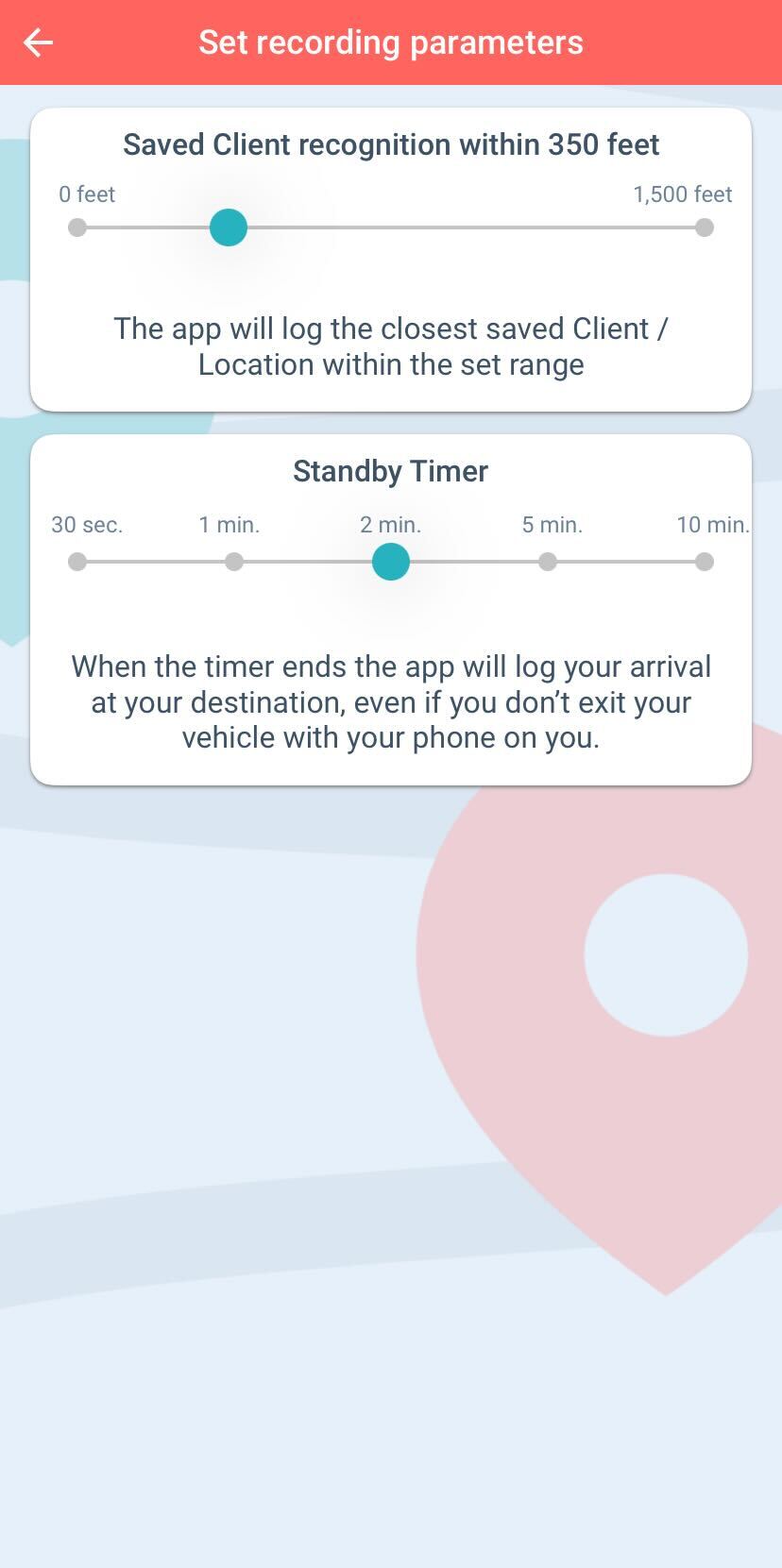
The ideal timer duration depends on your driving habits and how frequently you stop during a trip.
- Shorter duration: The trip may close sooner after you stop moving, but temporary stops could be treated as the end of a trip.
- Longer duration: The app waits longer before closing a trip, which can help accommodate traffic stops or other temporary interruptions. However, the trip may remain open longer after you have finished driving.
Choose a duration that suits your typical journeys and stopping patterns.
Important: Movement detection depends on your phone’s sensors. The app may detect that your phone has stopped moving even when you have not yet finished your journey. For this reason, the Standby Timer should be configured to allow enough time for your typical stops.
